Create 3D models using any Artec 3D scan, video, or photos.
Make watertight, lightweight application-ready models.
Modify, polish model surfaces, and convert into CAD data.
Measure, inspect, and export for further analysis or modeling.

Connect your Artec 3D scanner to Artec Studio and digitize your item of choice, ensuring full data capture with real-time feedback.
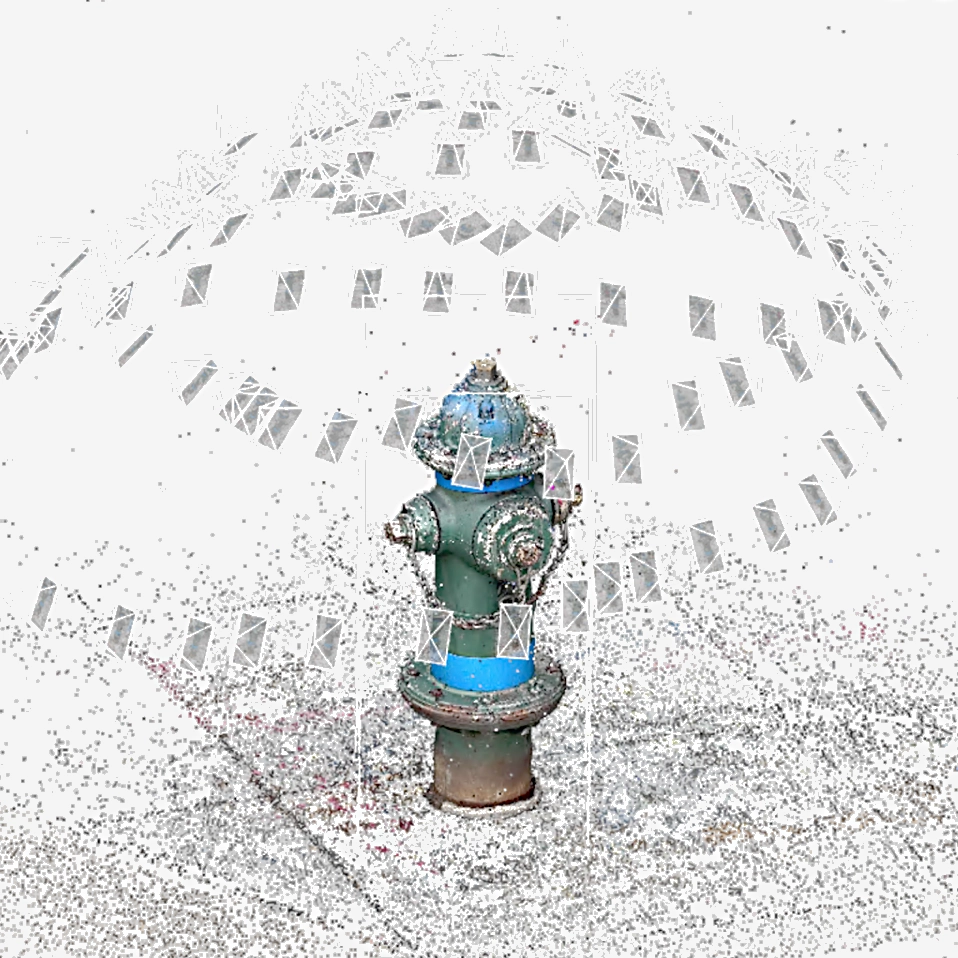
Turn photos or video captured with any camera-equipped device into a 3D model with Artec Studio’s brand new object and area photogrammetry algorithms.
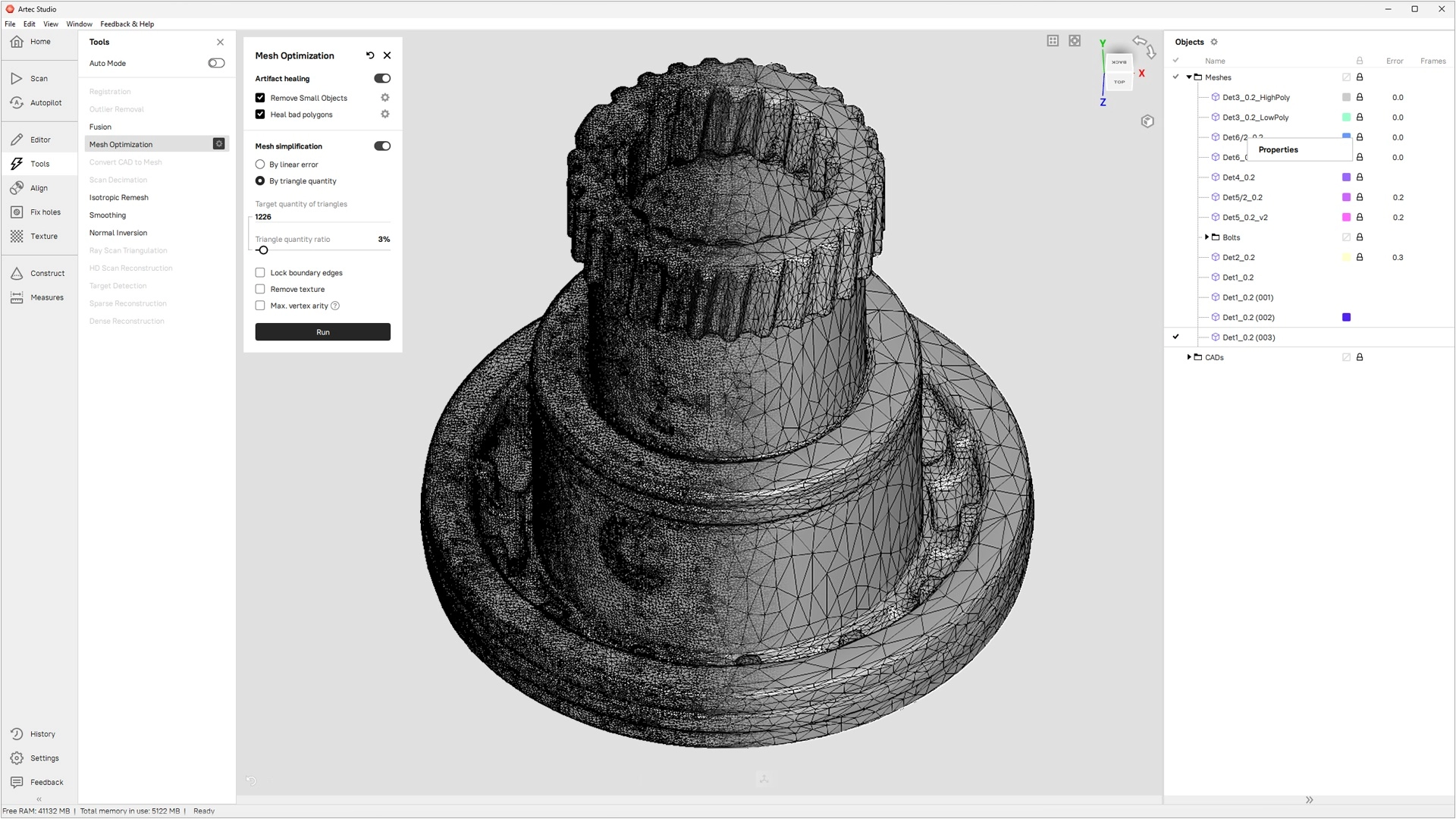
Tidy 3D models and ensure they’re watertight with manual and automated tools.
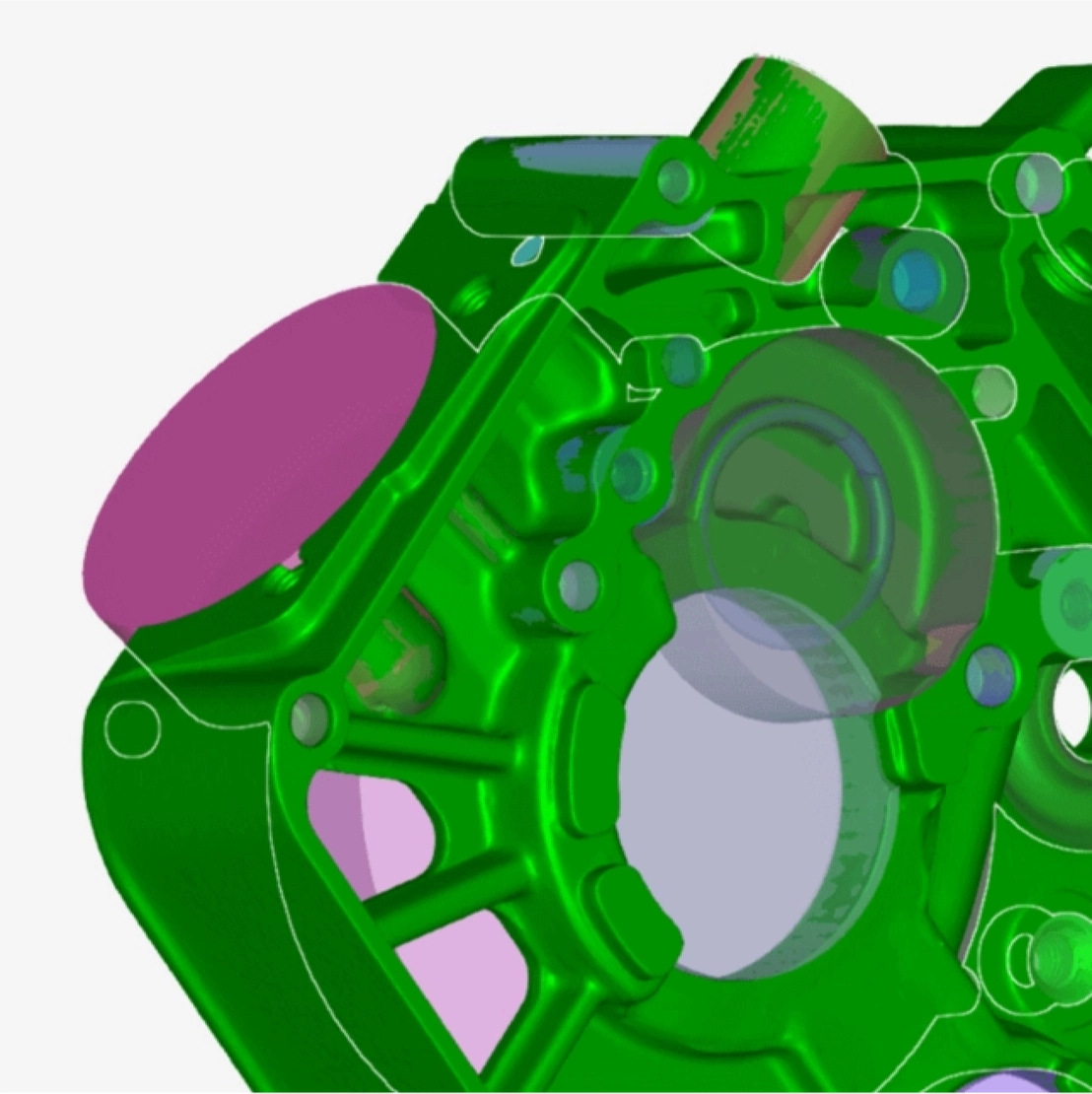
Accelerate your design and manufacturing workflows with the reverse engineering essentials integrated into Artec Studio.

Artec Studio comes equipped with tools for fast and precise measurements, as well as easy mesh-to-CAD and mesh-to-mesh deviation analysis.
Customize workflows to your exact application needs, or use built-in presets to generate 3D models in a single click.
With annual updates bringing more advanced features to Artec Studio, 3D scanner users essentially upgrade to a new device every year.
Extended CAD tools for inspection and reverse engineering, 2x faster HD Mode, 10x faster project loading, and photo-texturing for CGI models.
Advanced scan-to-CAD operations: booleans, auto-surfacing, datum aligning & enhanced target support for metrology, faster and highly intuitive photo-texturing, and one-click export to Artec Cloud.
Smart fusion unlocks multi-scanner projects, Compare map improved for deeper analysis, PtB certification gained, chamfer, fillet & draft angle reverse engineering introduced.
Much quicker fusion and simplification for 2x faster data processing. Integration of photogrammetry, alongside Artec Point & Spider II, makes Artec Studio an all-in-one platform for turning scan, photo, or video data into 3D models.
Custom workflows bring unprecedented automation. New features for the full Artec range, including Micro II HD mode, Spider II Autopilot, and enhanced masking for AI Photogrammetry. Wider integration and a revamped UI round off a landmark release.
Artec’s dedicated support team is available 24/7 to help you get the most out of Artec Studio, whether you need tips on troubleshooting or creating the perfect 3D model.
Export your data to any industry-leading reverse engineering or 3D modeling software as a mesh, point cloud, measurement, or CAD primitive. Artec Studio supports popular file types like OBJ, STEP, STL, and more. For more information, visit the dedicated Tech specs page.
To ensure accessibility to individuals and teams all over the world, Artec Studio is available and fully functional in 16 languages: Chinese Simplified, Chinese Traditional, Croatian, Czech, English, French, German, Italian, Japanese, Korean, Polish, Portuguese, Russian, Spanish, Turkish, and Ukrainian.
Contact
info@voxel3dtech.com
+91 8750901174
Noida office:
B-52, B Block, Sector 64, Noida, Uttar Pradesh 201307
Mumbai Office :
Santacruz east, vakola 400055, Mumbai
Copyright 2025 © All rights Reserved